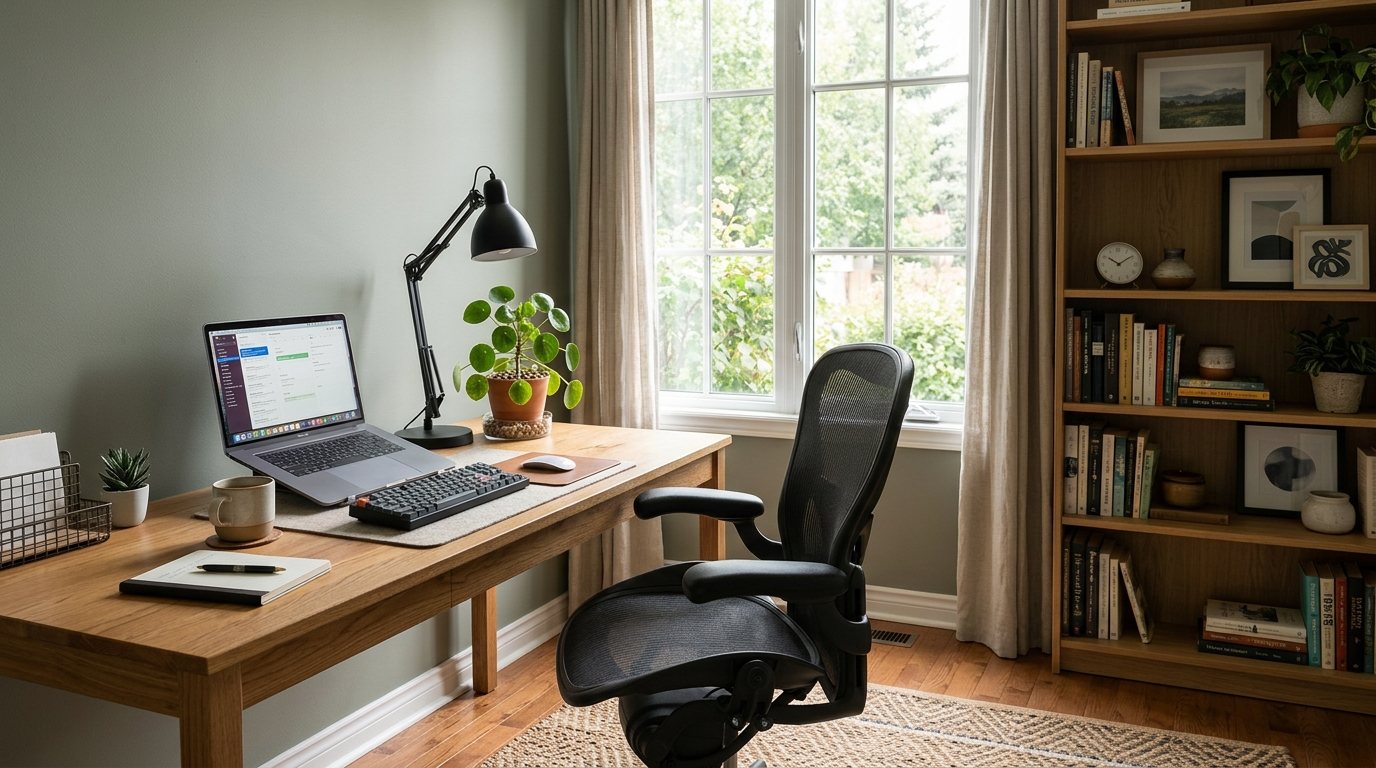
The right desk and chair decide whether a home office feels easy to work in or like a daily compromise. This guide shows you how to choose a home office desk, how to size it for your room, and which chair features are worth your attention, plus storage, cables and lighting. If you are still planning the space, start by browsing our desks to see the range of sizes and styles.
Start With How You Work
Before you measure anything, list what will sit on the desk. A laptop and a notebook need far less room than two monitors, a printer and a stack of paperwork. Think about how often you will use it, too. A desk for a few hours of laptop work each week can be compact, while a full-time work-from-home desk deserves more surface and a better chair.
Then measure the room. As a guideline, leave about 36 inches (91 cm) behind the chair if people need to walk past, and no less than 30 inches (76 cm) if the desk sits in a corner. Mark the desk footprint on the floor with painter's tape, then sit in the space for a minute. It is a quick way to catch a desk that will crowd a doorway or a closet.
Desk Size, Depth and Height
Most fixed-height desks are about 29 to 30 inches (74 to 76 cm) tall, which suits many adults when paired with an adjustable chair. Width and depth are where models really differ:
- Width: about 42 to 48 inches (107 to 122 cm) works for a laptop or a single monitor. Go to 55 to 60 inches (140 to 152 cm) or more if you want two screens or a separate writing area.
- Depth: about 24 inches (61 cm) is a comfortable minimum for most setups, although laptop-only desks can be shallower in a tight space. Around 30 inches (76 cm) lets you sit an arm's length from a monitor.
- Legroom: check the space under the desktop. Drawers and a centre apron can reduce knee room, so sit at the desk before you decide.
- Shape: a straight desk is simple and fits against a wall. An L-shaped or corner desk adds surface but needs more floor area.
For screen placement, many people find it comfortable to keep a monitor about an arm's length away, roughly 20 to 30 inches (50 to 76 cm), with the top edge near eye level. If your desk is a little shallow, a monitor riser helps by lifting the screen and freeing space underneath for a keyboard.
How to Choose an Ergonomic Office Chair
Ergonomic is a descriptive word, not a standard, so judge a chair by its adjustments rather than the label. The chair should adapt to you, not the other way around. Our office chairs vary in how many adjustments they offer, so compare these features:
- Seat height: you should be able to rest both feet flat on the floor with your forearms about level with the desktop.
- Seat depth: look for a small gap between the back of your knees and the front edge of the seat.
- Lumbar support: a backrest that follows the curve of your lower back is more comfortable for long sessions, and an adjustable one suits more people.
- Armrests: adjustable arms that slide under the desk are ideal. In a tight spot, a chair without arms tucks in neatly.
- Tilt and recline: a tilt lock or tension control lets you lean back during calls and keep upright when typing.
- Casters: soft rubber wheels are gentler on hardwood and laminate, while standard hard wheels roll well on carpet.
- Cover material: mesh is airy, fabric feels warm and faux leather wipes clean.
Sit in a chair for several minutes before you buy. One that feels fine for thirty seconds can feel different after an hour, and a shared desk makes adjustability even more important.
Storage, Cables and Lighting
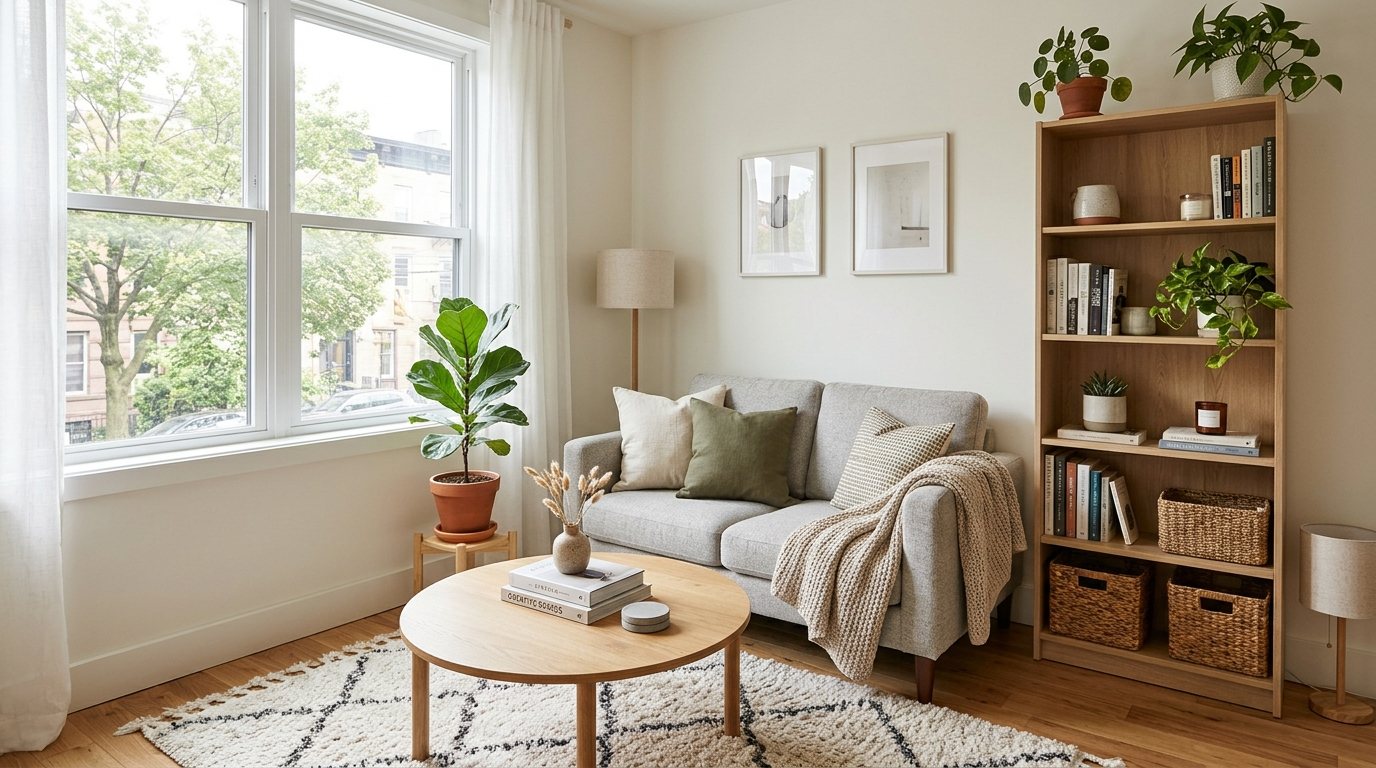
Paper has a way of spreading, so decide what must stay within reach and what can live elsewhere. One or two drawers may be enough for a laptop setup, while a filing drawer or nearby cabinet helps if you handle documents. A bookcase beside the desk holds books, a printer and storage baskets without using up desk surface.
Cables spoil an otherwise tidy desk. Look for a cable opening in the desktop, then add a power strip mounted under the surface, a few clips along the back edge and reusable ties. Keep cords out from under rugs and away from the chair's path.
Lighting matters as much as the desk. Place the desk so a window is to the side rather than directly behind or in front of the screen, which cuts glare. Add a task lamp on the side opposite your writing hand and choose a warm-white bulb for evening work.
Fitting an Office Into a Small Space
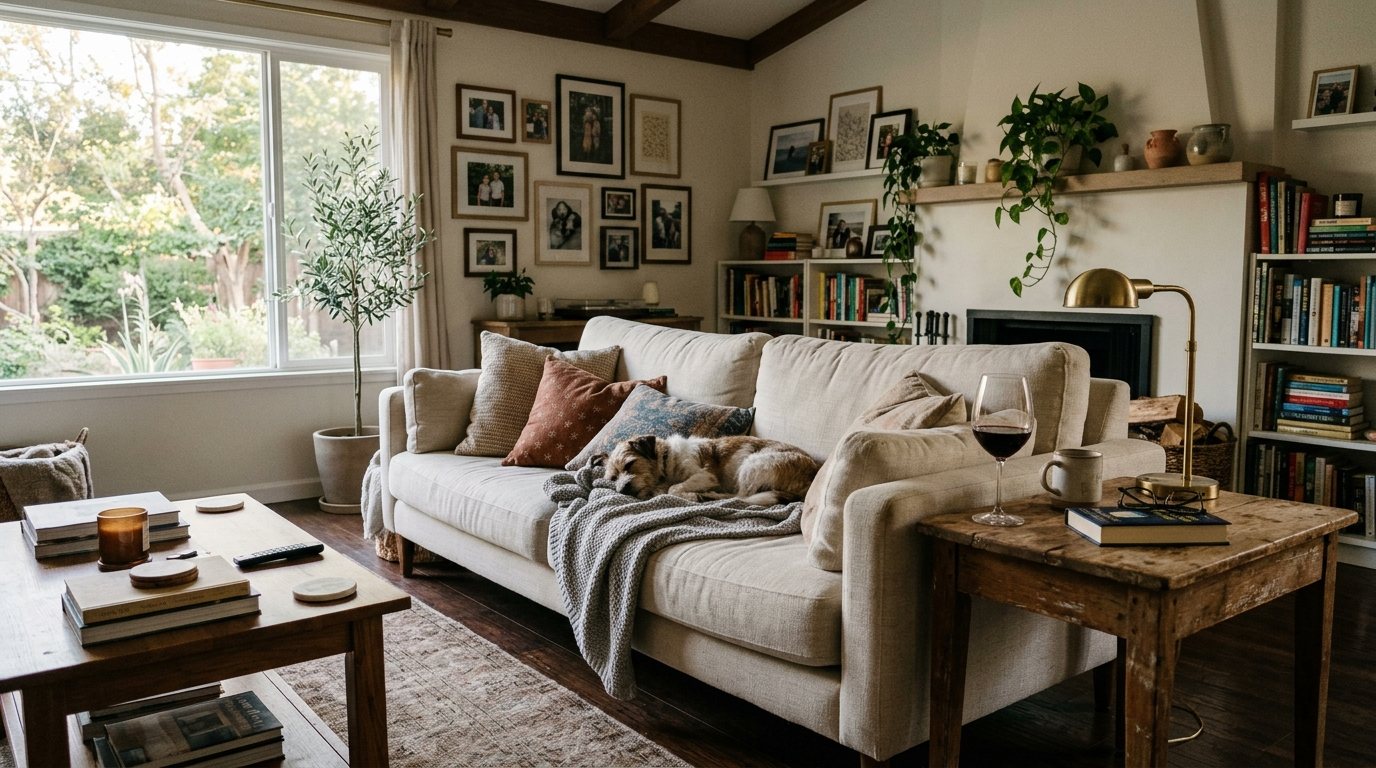
A home office does not need a spare room. Many people work from a corner of a bedroom, the dining room or a condo living room. A compact desk against a wall, a desk with a shelf or hutch above, and a chair with a modest base will carry a surprising amount of work. Choose a chair that looks good in the room, since it will stay in view when you finish for the day.
For more layout ideas, read our guide to furniture for small living rooms and condos. If you are furnishing a new place, the first apartment furniture checklist helps you decide what to buy first.
A Quick Checklist Before You Buy
- Measure the room, the doorway and the path the desk will travel on delivery day.
- Confirm the desk width and depth against the gear you plan to use.
- Check legroom and drawer placement by sitting at a similar desk.
- Count the outlets and plan where the cables will run.
- Pick the chair for its adjustments first and its looks second.
- Make sure the chair wheels suit your flooring.
- Plan a task lamp and a window position that avoids screen glare.
Frequently Asked Questions
How big should a home office desk be?
For a laptop or one monitor, a desk about 42 to 48 inches (107 to 122 cm) wide and at least 24 inches (61 cm) deep is a good starting point. Choose 55 to 60 inches (140 to 152 cm) or more for two screens. Measure your room first and leave space to pull the chair back and walk past.
What should I look for in an ergonomic office chair?
Look at the adjustments: seat height, seat depth, lower back support, armrests and tilt. A chair that lets your feet rest flat while your forearms sit about level with the desk is a good sign. Sit in it for several minutes, and check that the wheels suit your floor.
Can I use a dining table as a desk?
Yes, for occasional work. Most dining tables are around the same height as a desk, but they rarely have cable openings or storage. Dining chairs are usually not adjustable, so consider a proper office chair or a seat cushion if you plan to work there for long stretches.
How do I hide desk cables?
Start with a desk that has a cable opening, then fasten a power strip under the desktop and run cords along the back edge with clips. Bundle extra length with reusable ties. Keep cables off the floor where the chair rolls, and never cover a power strip or bury cords under a rug.
See It in Person
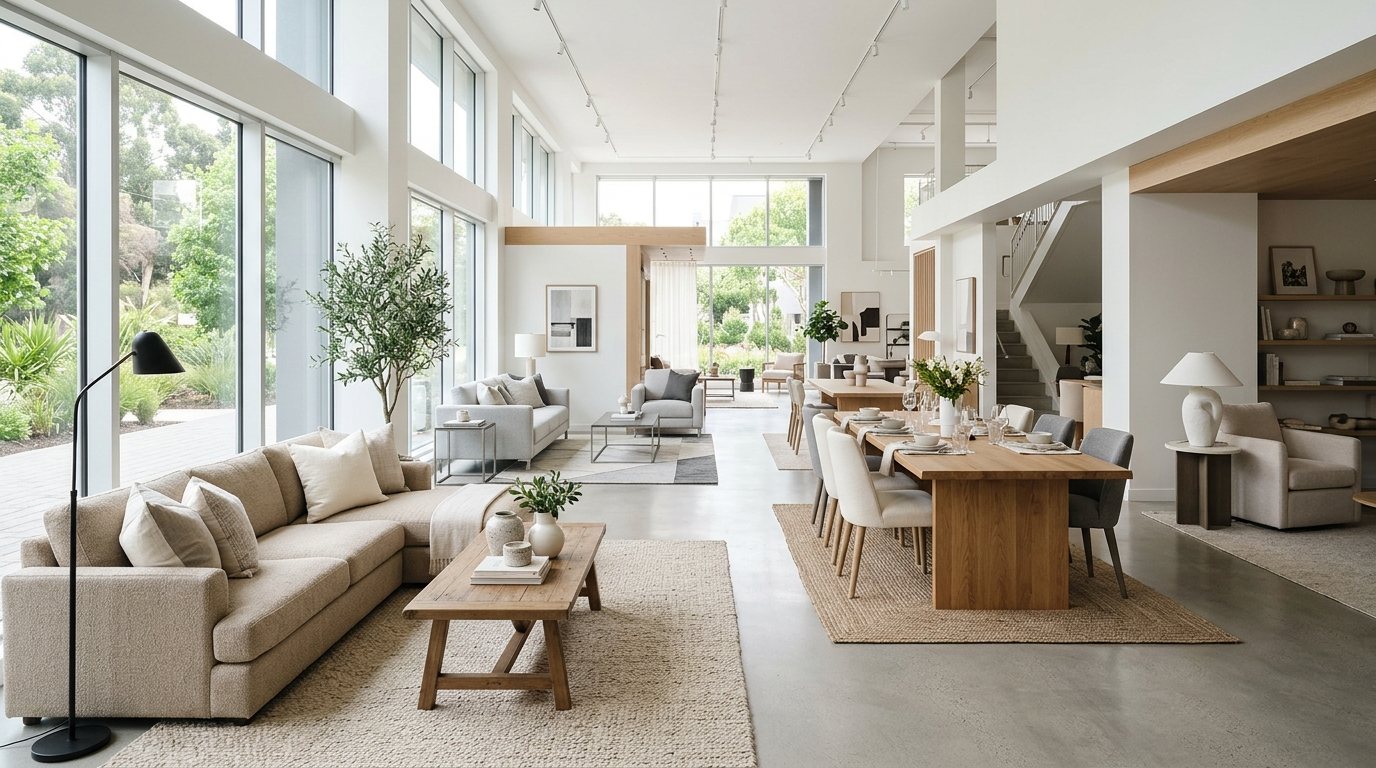
Desk height and chair adjustments are easier to judge when you sit at them. Visit our showroom at Unit D200, 9737 Macleod Trail SW in Calgary to try the pieces yourself, or browse the home office collection online before you come.



Comments
Loading comments...
Leave a comment
Your email address is never shown or shared. Comments are read by our team before they appear.